
Connect your store
How the assistant reads your products, stock and policies.
Open in dashboardWhen you install from Shopify, your store connects on its own. Here's what the assistant reads, and how to connect another store.
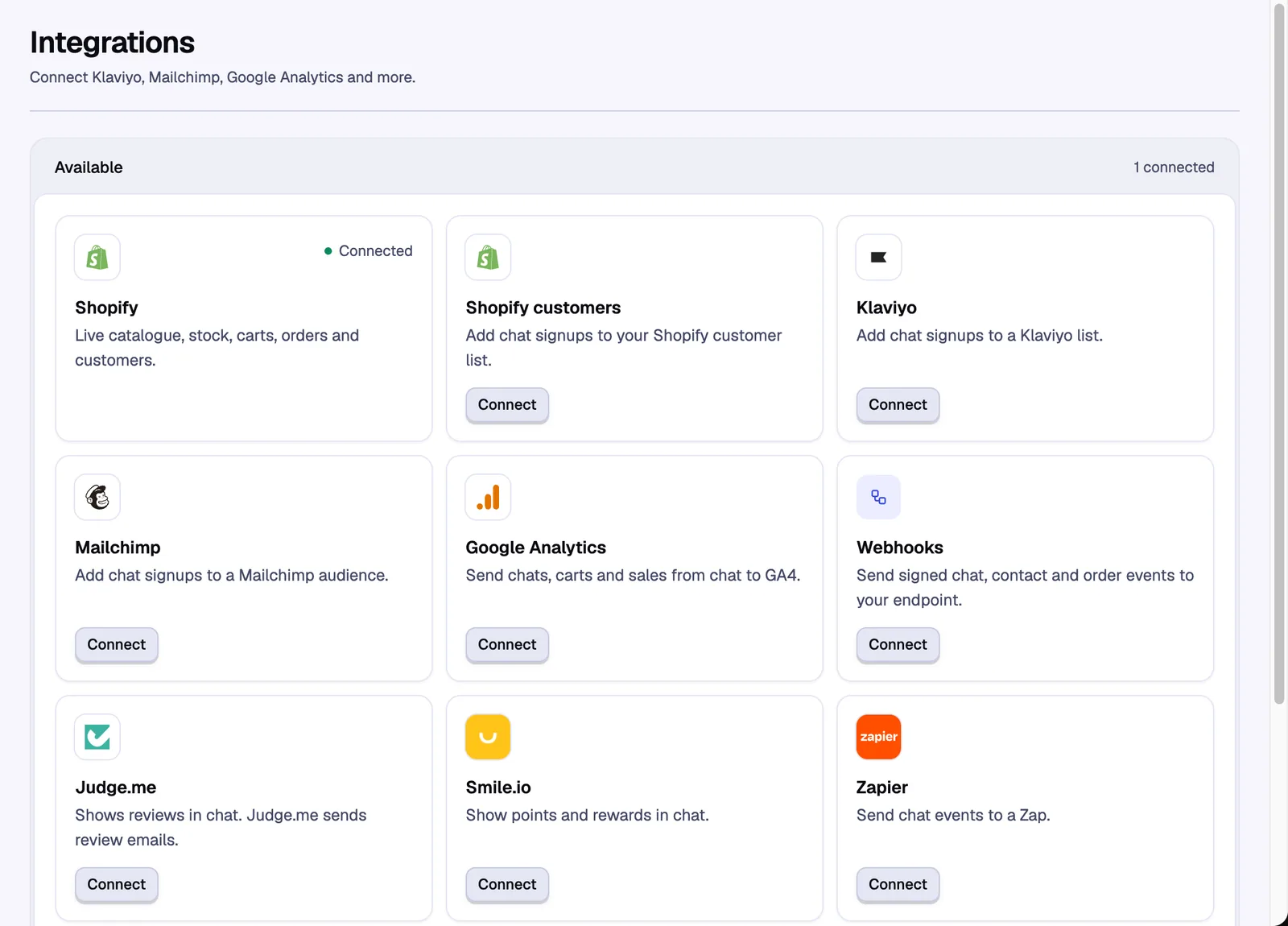
What the assistant reads#
- Products, prices and stock are read live from your store each time a shopper asks. There's no catalogue to sync.
- Shipping and refund policies are read live from your Shopify settings.
- Store pages like your FAQ or size guide are added to your Knowledge base. When a store first connects, the pages shoppers ask about most are added for you.
- Discounts are read from Shopify. The assistant only shares the codes you allow. See Sales.
Price and stock changes in Shopify show up in the next answer.
Connect another store#
More than one store on one account is managed in the full dashboard. Inside Shopify admin, the app only shows its own store.
Go to Stores in the dashboard menu.
Select Connect store, then Install from the Shopify App Store.
Install the app on the other store and approve the permissions. The store shows up in Stores once it's installed.
Reconnect a store#
Reconnect when the dashboard asks you to, for example to approve a new permission like checkout access for abandoned checkout emails. Reconnecting makes a new widget key. The app embed picks it up by itself.
Still stuck? Contact support and we'll reply by email.